
AI tools, skills, and plugins that I actually still use in 2026
A 2026 list of AI design tools that survived with me in the trenches. No vaporware: just stuff that actually reduces friction.


If you've been following my journey for a while, you know that I've been an optimistic cynic about using AI for day-to-day work and I have been trying to integrate all sorts of AI tools into my design and design-to-code workflow for well over a year. Lots of noise and vaporware out there, let me tell you. Most things I tried promised a lot, and they delivered... well, not a lot.
Here are the few that actually survived being in the trenches with me.
OpenCode
Let's address the elephant in the room: I switched from Claude to OpenCode a while ago because I got tired of being locked into a Haiku/Sonnet/Opus triumvirate. Now I can pick what models I want and where they run — which matters when you're burning through tokens on real projects and want some freedom in where you burn your money and how much of it you're lighting on fire (many niche models are amazing and much cheaper than whatever Anthropic charges, by the way, and when it's your own money being burned, it does matter).
I paired it with oh-my-opencode (a little wrapper that makes the whole thing actually work on bigger codebases without melting down) and it's become my daily driver for AI-assisted coding since. Nothing really groundbreaking here except maybe a bit more control, and slightly less anxiety.

 code-yeongyu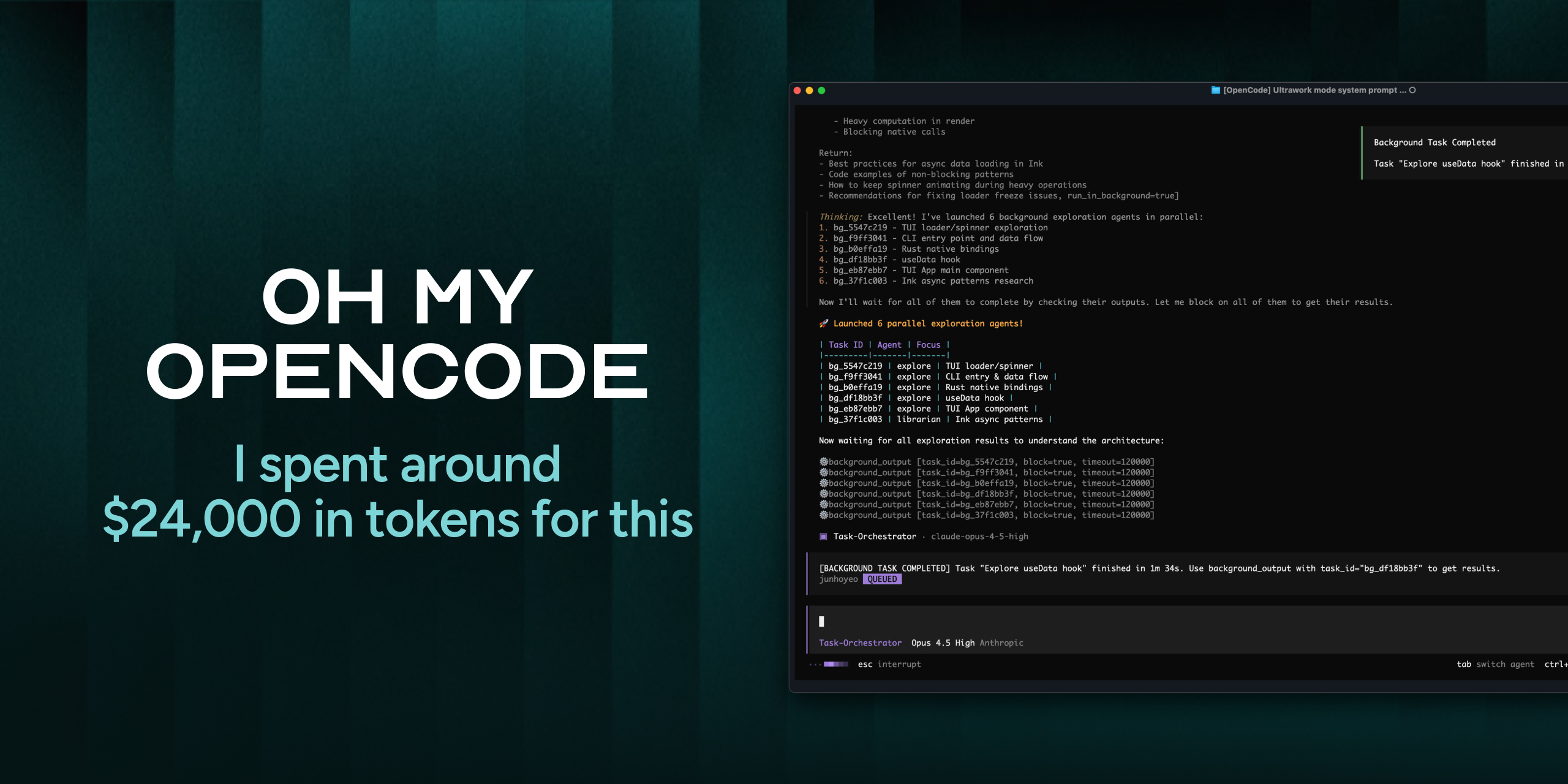
Impeccable.style
This is technically a plugin for most of the mainstream CLIs (Claude, Gemini, Codex), but if you download their ZIP package, you can very easily reuse it for other tools — like my favorite right now, OpenCode.
Impeccable is a set of skills and prompts that turn vague UI requests like "make it bolder" into precise prompts. I write what I want and it manages to turn it into more precise set of spacing ratios, type scales, and layout constraints. Once it's done, the output requires much less manual correction.
 Paul Bakaus
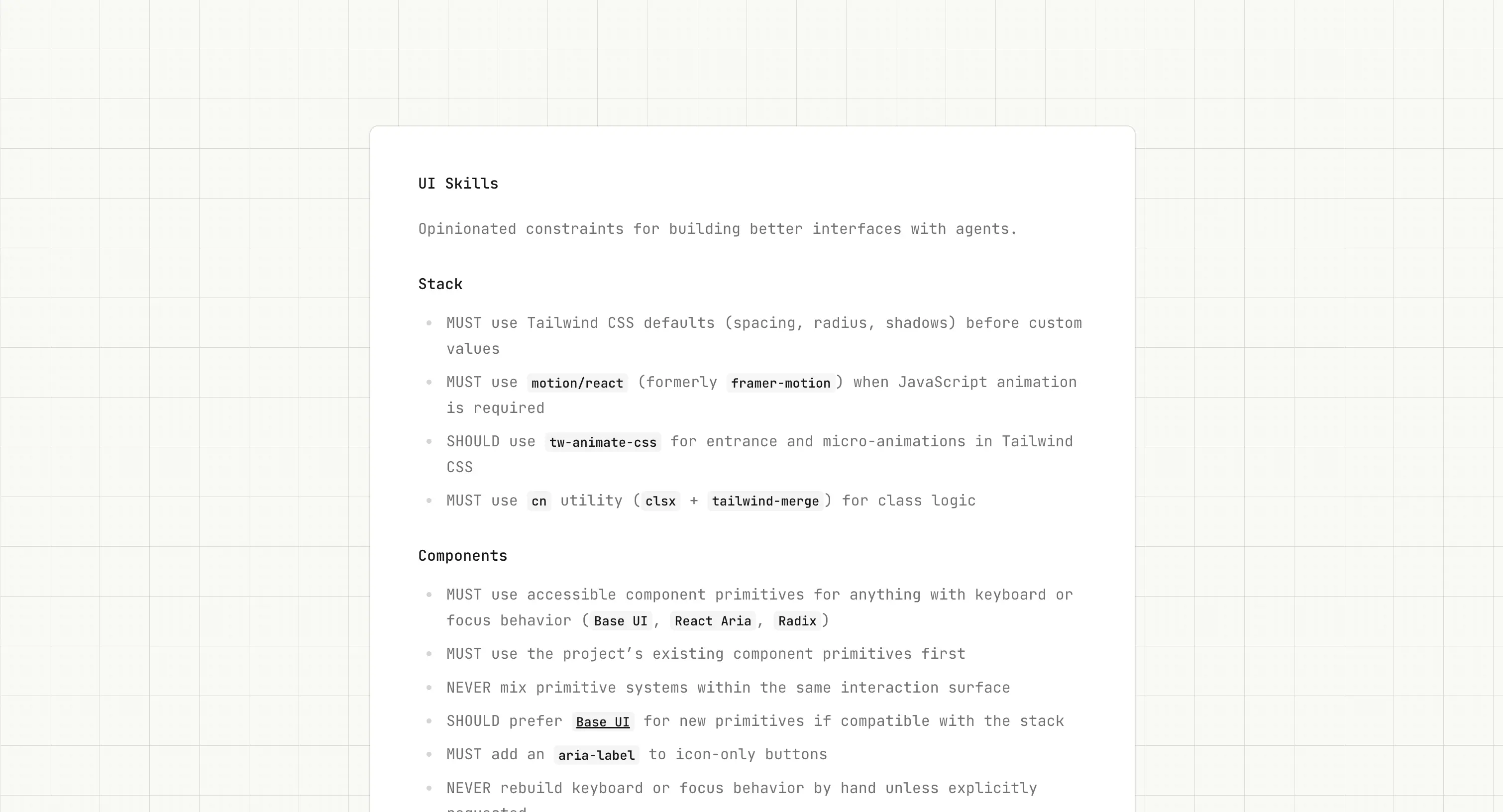
UI Skills
Injects baseline UI constraints — spacing systems, type hierarchy, accessibility rules — into AI tools. If you want to avoid generic outputs, adding UI Skills to your tool of choice will help you quite a bit.

frontend-design
Another plugin / skill that enforces design constraints during code generation. Helps you avoid the generic "AI slop" design antipatterns that lead you to this moment where the UI is there but it's just kinda meh. My current stack is literally a stack of bunch of those skills and plugins and that cuts out a bunch of slop UI that I then would have to manually clean up.
https://skills.sh/anthropics/skills/frontend-design (no idea why this didn't turn into a bookmark in Ghost)
Buoy
Scans your code for design drift: hardcoded values, duplicate components, token mismatches. Catches inconsistencies before they get to main and someone gets mad, especially when multiple people or tools touch the UI layer.


Rams
I've been a heavy user of this one since I found it. What it is basically design review as a skill inside your AI coding tool. Automatically flags accessibility issues, performance problems, and design system violations during development like a "will hurt your feelings but make you a better designer" type of annoying creative director. 10/10 experience, would recommend.


Subframe
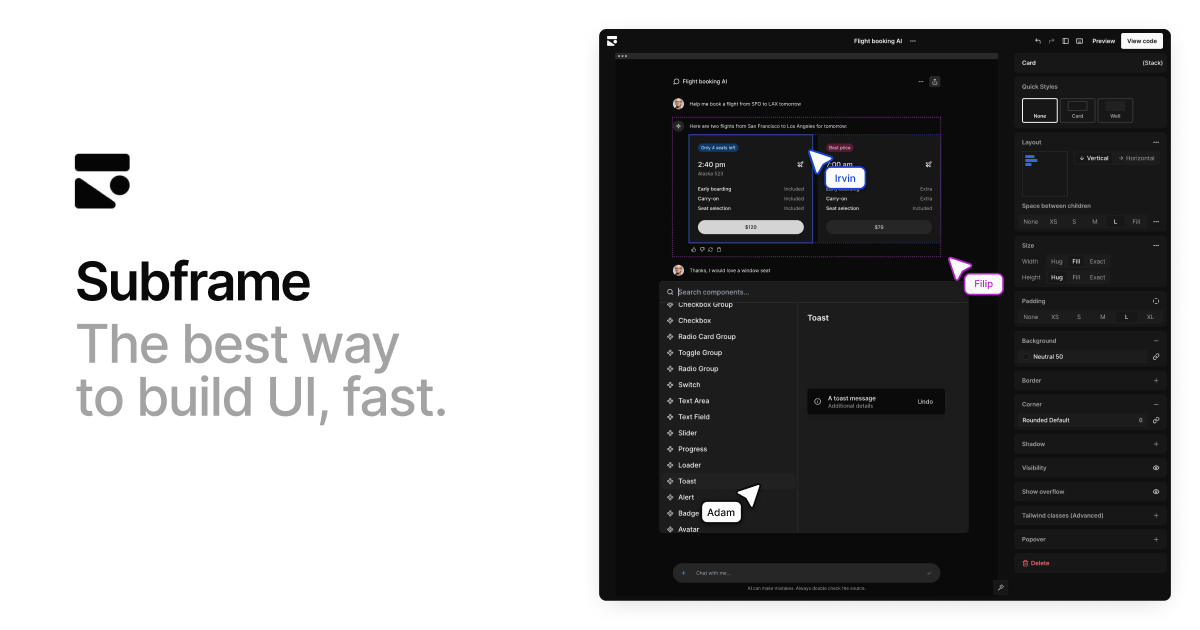
Think Figma, but with actual React and Tailwind. Lets you work with real components on a responsive canvas instead of creating this weird layer of "design output" that nobody really knows what to do with, but we all got used to having it. Honestly one of my favorite tools in the space these days, especially if you work primarily if you work with the web. Irvin and Filip are chill dudes, too, which definitely helps.

Pencil
Another UI editor — this time embedded in the IDE. Lets you iterate on interfaces without switching context to Figma, once again, removing the "design output" layer which is a good thing in my book. Admittedly, since I discovered Subframe I haven't been using it a lot, but your specific use case may differ, and tools should depend on your particular context, so I recommend you give it a whirl.

So where are we in 2026?
As you see, after spending way too much time on testing tools and way too much money on burning tokens, I ended up returning to a small set that solve specific things: turning my monkey brain vague intent into precise prompts, enforcing constraints, and catching design drift. I also use Figma mostly for FigJam now — high level concept work moved to Subframe / Pencil / PenPot just because I feel like they close the design-as-code gap pretty neatly.
All of these survived for one particular reason: they handle the repetitive (and frankly, annoying) translation work between intent and implementation, so I can refocus on decisions and taste — stuff that actually requires human designer sensibilities.